
Support Center
We Are Here to Help
Anker Prime Thunderbolt 5 Docking Station
Anker Prime Charging Docking Station (14-in-1, Dual Display, 160W)
Anker Prime Charger (250W, 6 Ports, GaNPrime)
Anker Prime Charging Station (8-in-1, 240W)
Anker Power Bank (25K, 165W, Built-In and Retractable Cables)
Anker Charger (140W, 4-Port, PD 3.1)
Anker MagGo Wireless Charging Station (3-in-1, Foldable Pad)
Anker Prime 27,650mAh Power Bank (250W)
Anker 737 Power Bank (PowerCore 24K)
Anker MagGo Power Bank (10K, Slim)
Convenient Services
Compatibility

Check device and system requirements to ensure seamless integration.
Inquire NowParts and Accessories

Coverage includes original parts and accessories supplied with the product.
Inquire NowSupport Videos

Watch quick guides and tutorials to fix problems.
Inquire NowOrder Tracking

Track your order's real-time status and see delivery updates.
Track NowSelf-Service Returns

Initiate returns easily with quick refunds.
Request NowDownload Invoice

Access and save your invoices.
Inquire NowProduct Support
Get how-to guides and technical help.
PowerBank
Charger
Cable
Wireless Charger
Hub&Dock
AC Power
Other
Service Inquiries
Start your service journey.
Service Progress Inquiry

Track the progress of your service request step by step.
Inquire NowWarranty Policy

Understand coverage and terms for product warranties.
Inquire NowShipping FAQ

Learn about general questions for shipping issues.
Inquire NowManuals and Downloads

Access user support materials here.
Inquire NowProduct FAQ

Find answers to common questions.
Inquire NowPopular Topics
See our most frequently searched topics.
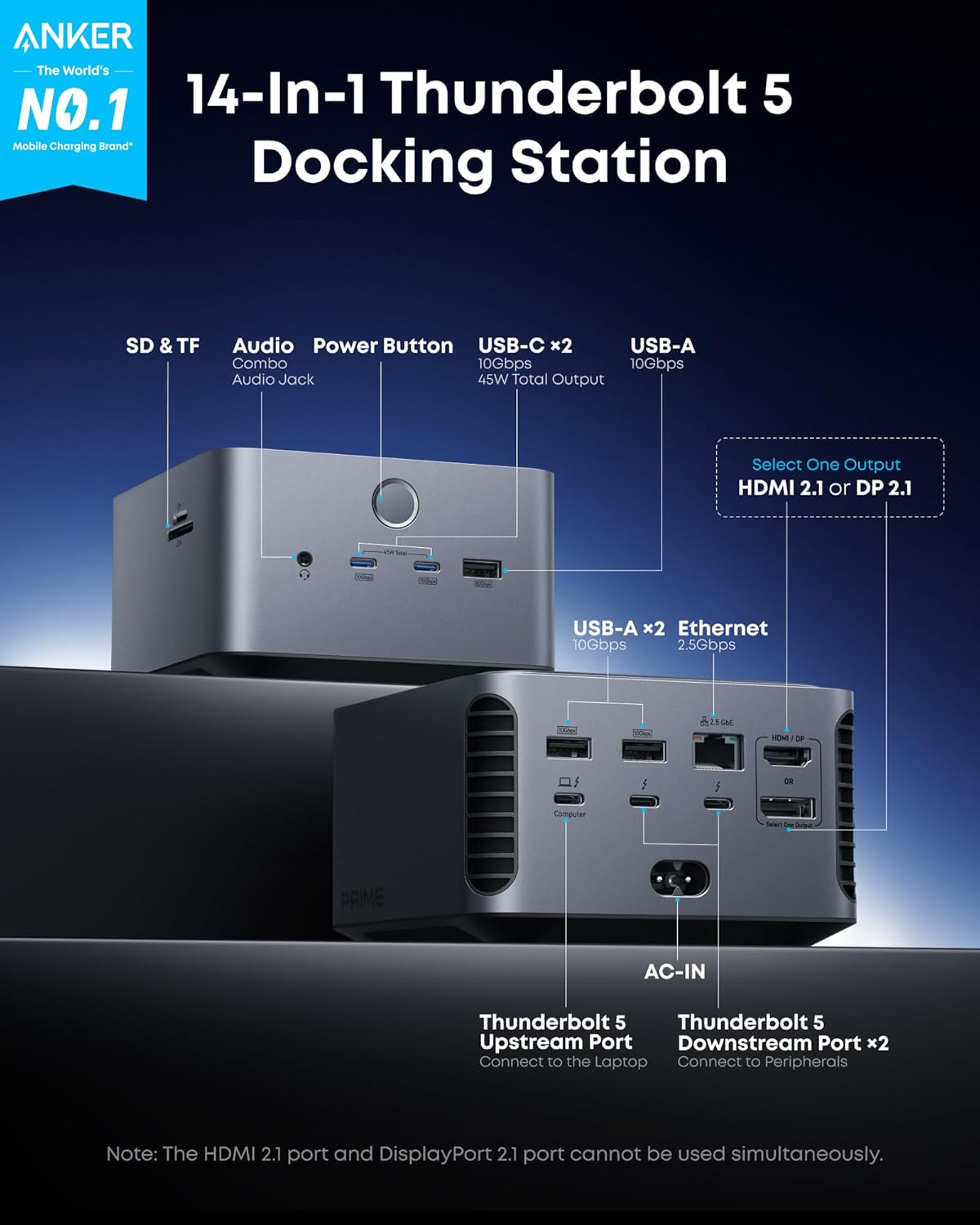
Anker Prime Thunderbolt 5 Docking Station
The Ultimate Desk Partner: Power and Simplicity for Your Workspace
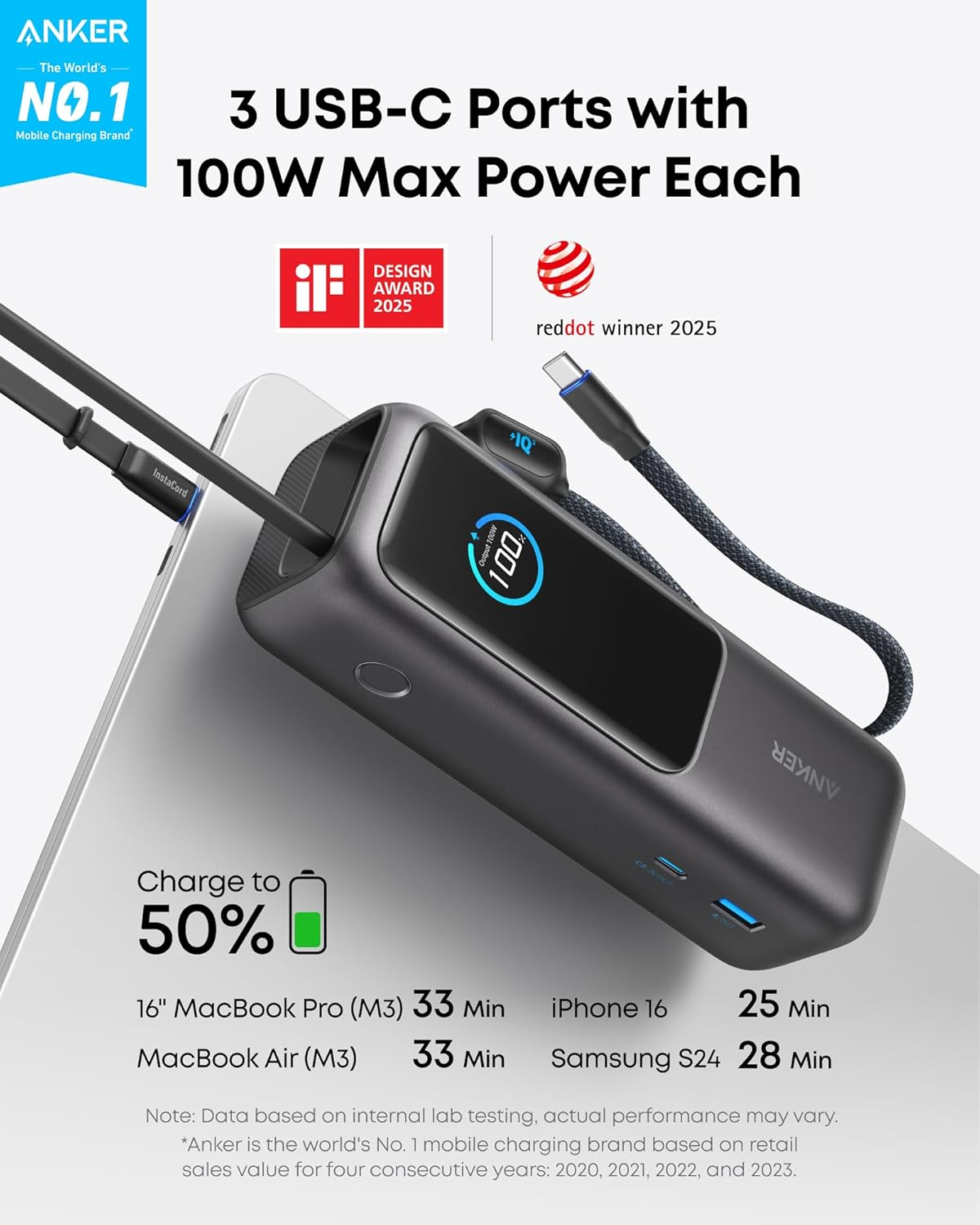
Anker Power Bank (25K, 165W, Built-in and Retractable Cables)
Anker comes with dual-line energy storage, Charge in a Flash, Share in a Dash
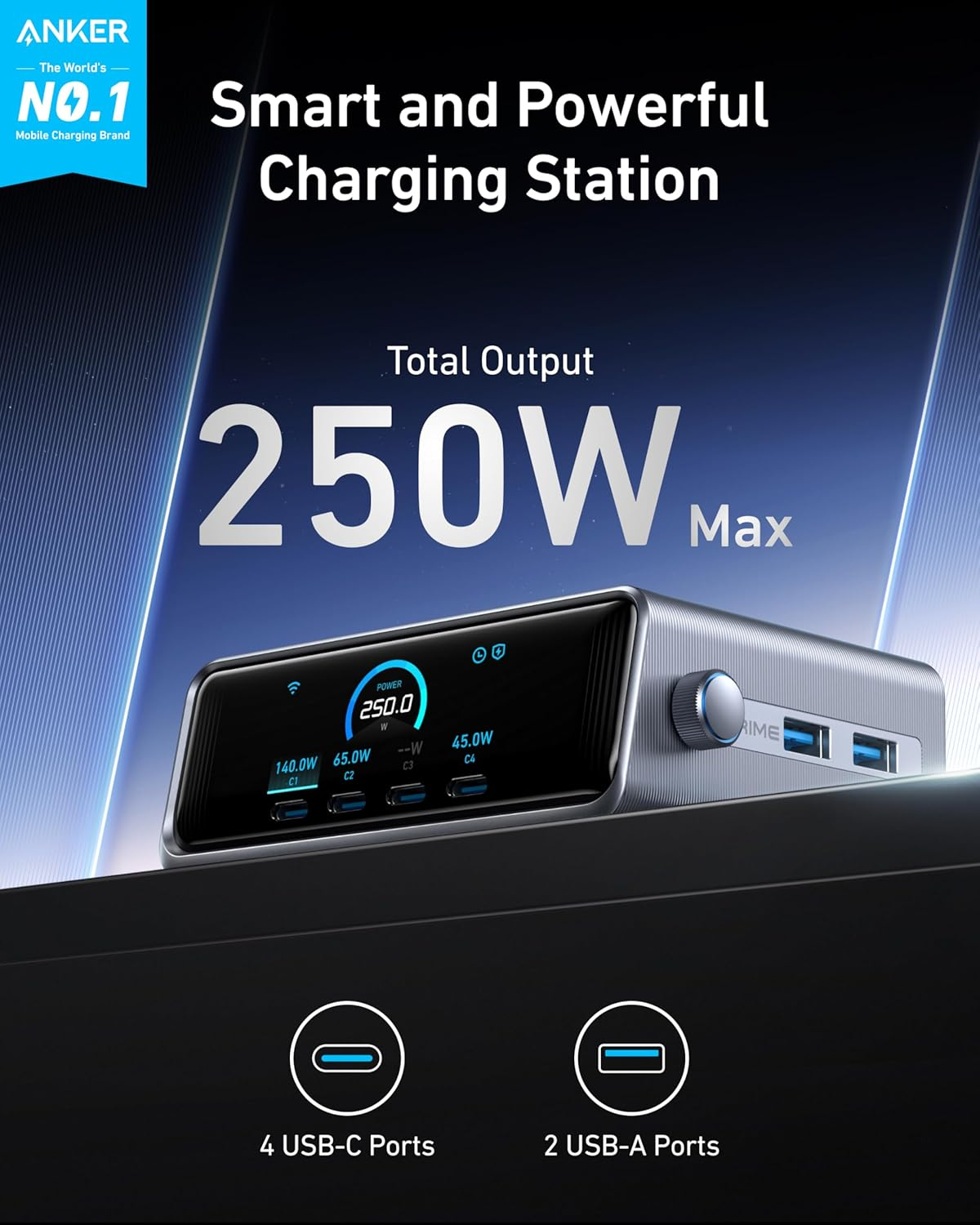
Anker Prime Charger (250W, 6 Ports, GaNPrime)
Anker Prime Charger is GaNPrime's ultra-fast App-smart multi-device hub.
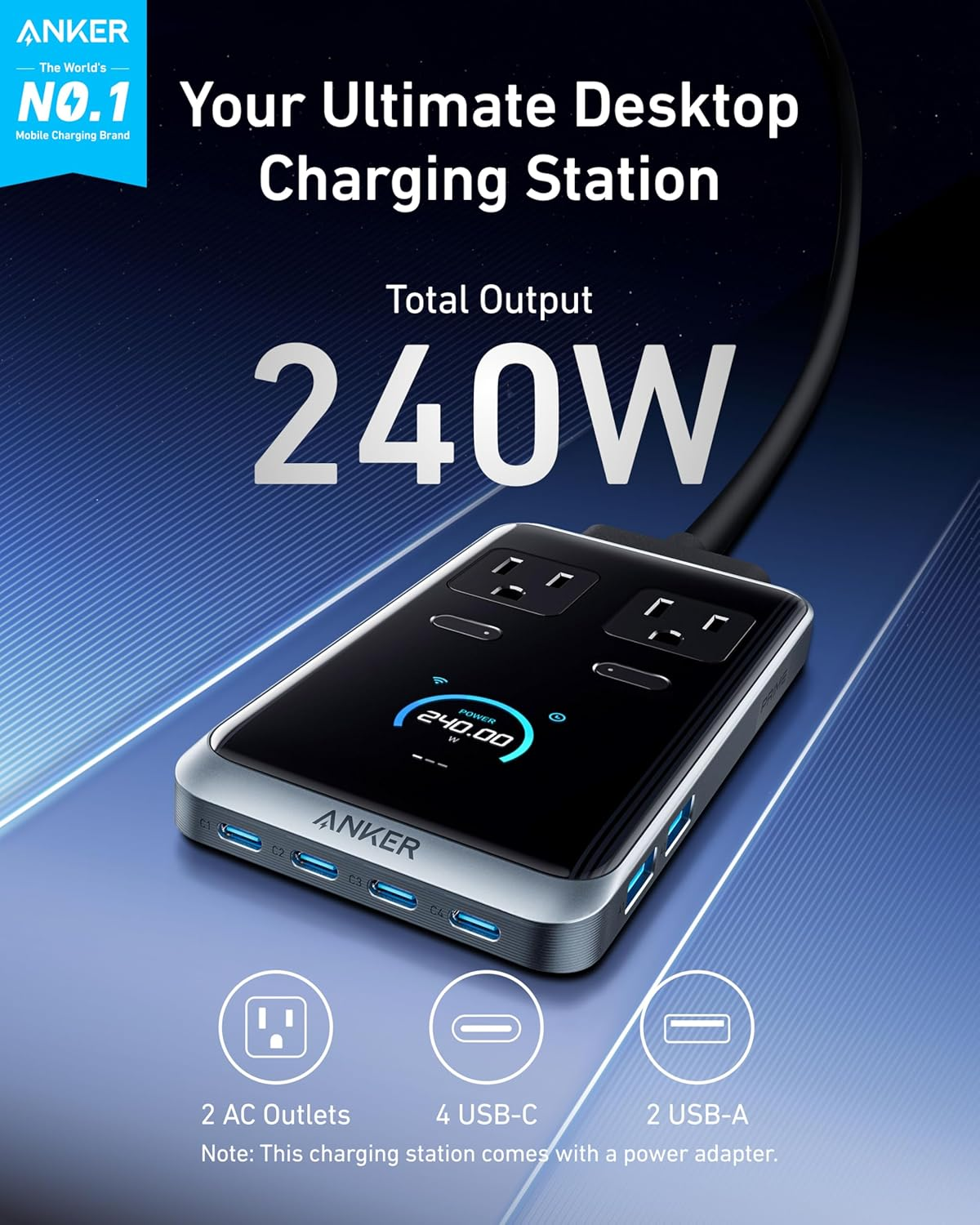
Anker Prime Charging Station (8-in-1) 240W
Anker 240W 8-in-1 is an ultra-fast, app-enabled charging station.
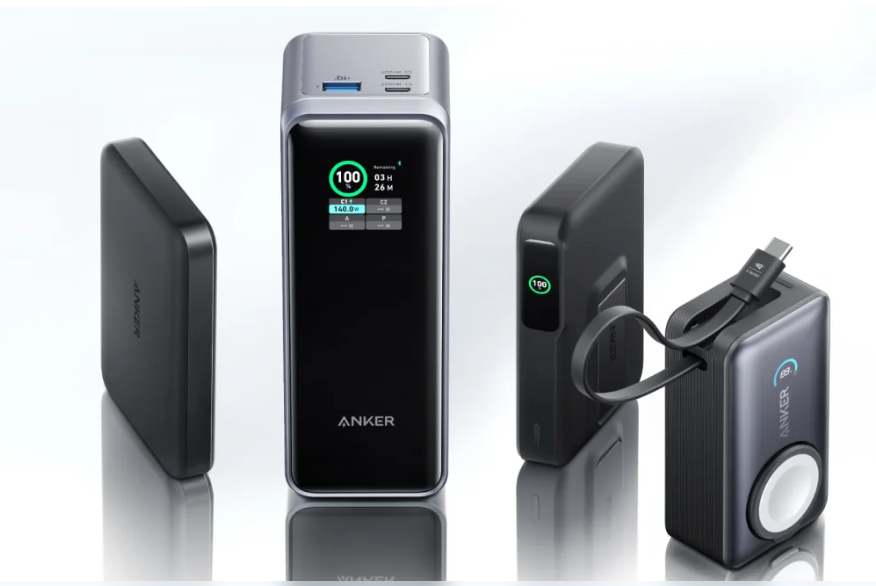
Power Bank Capacity
A detailed explanation of power bank capacity
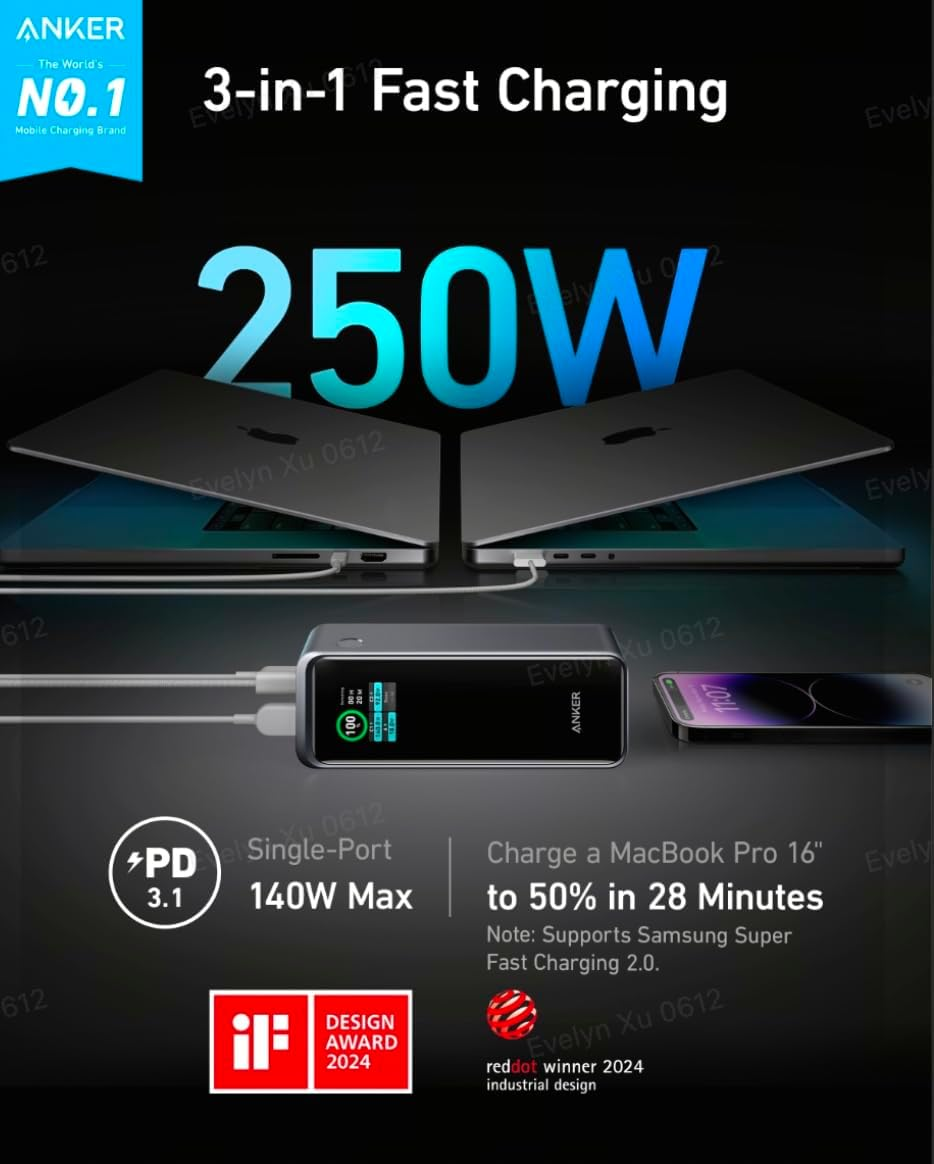
Anker Prime 27,650mAh Power Bank (250W)
Anker Prime 27,650mAh is an ultra-fast, app-enabled power bank.
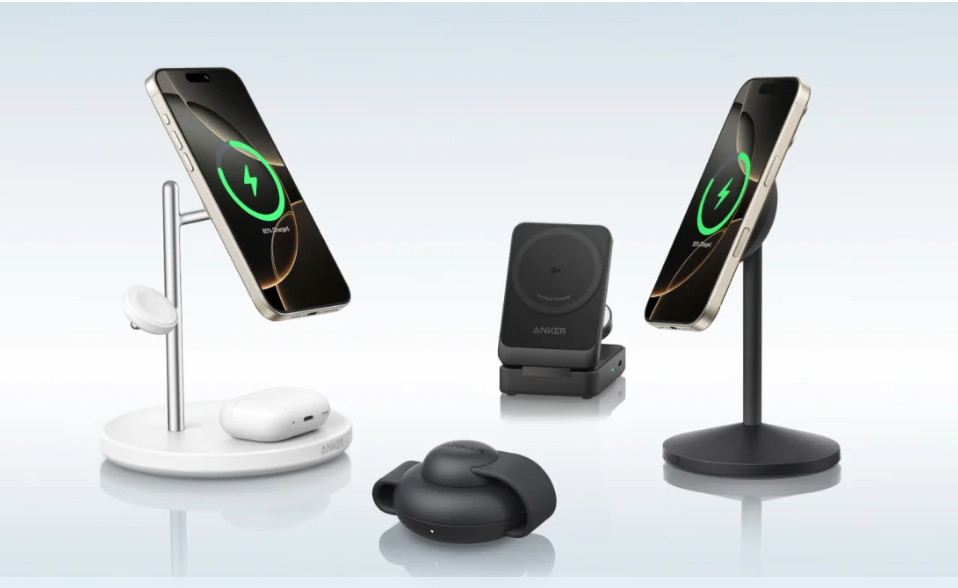
Enjoy our Qi2 wireless chargers!
How to use a Qi2 wireless charger more effectively?
1/7
Anker Prime TB5 Docking Station Quick Start Guide
Anker Prime Docking Station(14-in-1, 8K, Thunderbolt 5) FAQ
Anker Prime Docking Station (14-in-1, 8K, Thunderbolt 5) User Manual
What Should I Do if the Dock's Ethernet Port Does Not Support 2.5Gbps Internet Speed as Described?(A83B5)
What Should I Do if the Dock Stops Working or Works Intermittently?(A83B5)
What Should I Do if the Dock Cannot Connect A Monitor or Dual Monitors?(A83B5)
Live Chat

Mon-Fri 8:00AM - 4:00PM(PT)
Contact Online Customer Service
Call Us

1-800-988-7973
Mon - Fri: 6 AM - 5 PM (PT)
More Contact Options
Email Us

Contact Customer Service:support@anker.com
More Contact Options
CA
1-800-988-7973
Mon - Fri: 6 AM - 5 PM (PT)
CA
1-800-988-7973
Mon - Fri: 6 AM - 5 PM (PT)
US
1-800-988-7973
Mon - Fri: 6 AM - 5 PM (PT)
US
1-800-988-7973
Mon - Fri: 6 AM - 5 PM (PT)
UK
+44 (0) 1604 936 200
Mon - Fri: 9 AM - 6 PM (GMT)
-
UK
+44 (0) 1604 936 200
Mon - Fri: 9 AM - 6 PM (GMT)
-
Email Service
AU
support@anker.com
AU
support@anker.com
EU
support@anker.com
EU
support@anker.com
CA
support@anker.com
CA
support@anker.com
US
support@anker.com
US
support@anker.com
UK
uk.support@anker.com
UK
uk.support@anker.com
*


